
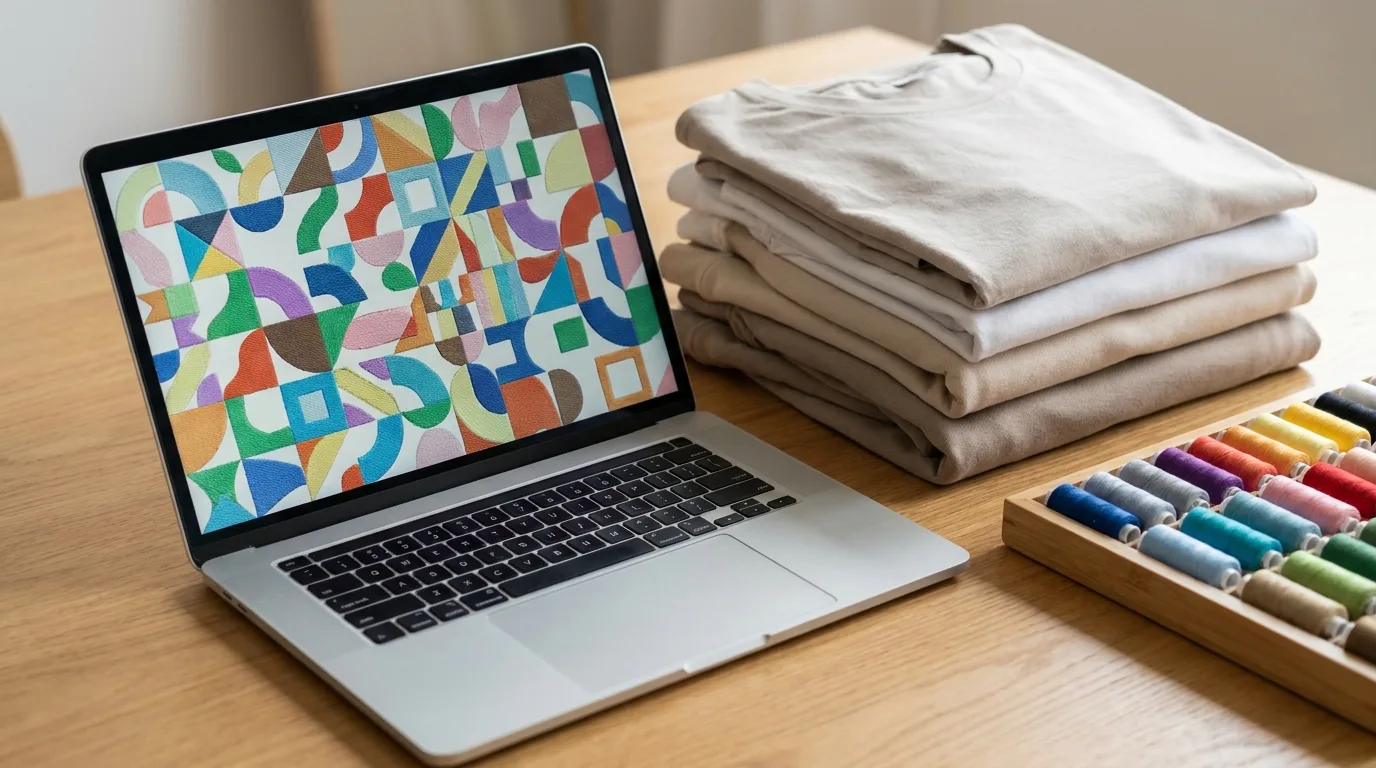
If you are new to machine embroidery, the alphabet soup of embroidery file formats like DST, PES, and EXP can be overwhelming. Each format speaks the language of a specific machine or brand, and using the wrong one can mean a design that simply will not stitch, scrambled colors, or hours of wasted setup time. This guide explains the most common embroidery file formats in plain language so you can choose the right one every time and avoid the costly mistakes that trip up beginners.
Why Embroidery File Formats Matter
Unlike a JPG or PNG that any device can open, embroidery files store stitch-by-stitch instructions: needle positions, color changes, stitch types, and thread trims. Different machine brands developed their own formats over the years, so your file must match your machine to run correctly. Sending the wrong format can result in missing color stops, scrambled stitches, or a file the machine refuses to load at all.
Understanding these formats protects your designs and saves you costly reruns, especially when sharing files with clients or contract embroiderers. It also makes you look professional: when a customer or contractor asks what format you can supply, a confident, correct answer builds trust and keeps projects moving without back-and-forth delays.
The Most Common Embroidery File Formats
While dozens of formats exist, a handful cover the vast majority of machines. Here are the ones you will encounter most often and what makes each one different.
- DST: The universal commercial standard (Tajima). It stores stitches but not thread colors, so colors are assigned at the machine. Most professional shops accept DST.
- PES: The Brother and Babylock format, widely used by home embroiderers. It includes color information and design details.
- EXP: The Melco and Bernina format, similar to DST in storing core stitch data.
- JEF: The Janome home machine format, including color and size data.
- VP3 and VIP: Husqvarna Viking and Pfaff formats with full color and design info.
Native Files vs Machine Files
It helps to know the difference between editable design files and final machine files. Native formats like EMB (Wilcom) hold all the editable digitizing data, including objects, settings, and color sequences, while machine formats like DST and PES are the flattened, stitched output. Always keep your native file if possible, because once a design is exported to a machine format, editing it cleanly becomes much harder. Think of the native file as the source code and the machine file as the finished build.
Which Embroidery File Format Should You Use?
The right format depends entirely on your machine and your workflow. When in doubt, DST is the safest universal choice for commercial work because nearly every professional machine can read it.
- Commercial shops: DST is the dependable industry standard.
- Brother or Babylock owners: Use PES.
- Janome owners: Use JEF.
- Melco or Bernina owners: Use EXP.
- Sending to a contractor: Ask which format they prefer and request that exact one.
Common File Format Mistakes to Avoid
A few avoidable errors cause most embroidery file headaches. The first is sending a JPG or PNG and expecting it to stitch, when in reality those images must be digitized first. The second is grabbing the wrong format for your machine, which leads to load errors or missing color stops. The third is repeatedly converting between formats and accumulating small distortions each time, instead of exporting fresh from the native file. The fourth is losing the native file entirely, which locks you out of clean edits forever. Avoid these four pitfalls and you will sidestep the vast majority of file-related production delays and reruns.
Tips for Managing Your Embroidery Files
Keep your files organized to avoid headaches later. Save the native digitizing file alongside each exported machine format, label files with the design name, size, and stitch count, and note the recommended thread colors. Remember that resizing a finished machine file by more than about ten to fifteen percent can distort stitch density, so request a re-digitize for major size changes rather than scaling. A simple, consistent folder structure with backups will pay for itself the first time a customer requests a reorder months later.
How to Open and Preview Embroidery Files
Because embroidery files are not standard images, you cannot simply double-click them and expect to see your design in a photo viewer. To preview a DST, PES, or EXP file you need embroidery software or a dedicated file viewer that can render the stitches on screen. Many digitizing programs and free viewer tools will show you the design, its dimensions, the total stitch count, the color sequence, and even a simulated stitch-out so you can spot problems before the needle ever touches fabric. This preview step is one of the most useful habits you can build, because it lets you confirm you received the right file, check that the size and colors match the order, and estimate run time and cost. If you regularly receive files from clients or contractors, keeping a reliable viewer on hand saves you from loading a mystery file onto the machine and discovering an issue mid-run. When something looks off in the preview, go back to the source rather than trying to patch a flattened machine file, and request a fresh export or a re-digitize so your final stitch-out stays crisp and professional.
Once your files are sorted, put them to work on quality blanks. Try our classic dad hat for caps or unisex polo shirts for chest logos, explore the full Mr Beat catalog for more options, and read more guides on the Mr Beat blog.
Frequently Asked Questions
What is the most universal embroidery file format?
DST is the most widely accepted format for commercial machines. It stores stitch data without colors, which are assigned at the machine, making it a safe default for professional embroidery.
Does a DST file include thread colors?
No. DST stores only stitch instructions, so thread colors are set manually at the machine. Formats like PES and JEF do include color information.
Can I convert one embroidery format to another?
Yes, embroidery software can convert between formats, but conversions are not always perfect. Whenever possible, export from the native design file rather than converting a finished machine file.
Can I resize an embroidery file freely?
Only slightly. Resizing more than about ten to fifteen percent distorts stitch density and quality. For larger changes, have the design re-digitized at the new size.
Can an embroidery machine stitch a JPG or PNG?
No. Standard image files must be digitized into a stitch file first. The machine needs needle-by-needle instructions, which a flat image does not contain.
Which format should I keep as my master copy?
Keep the native digitizing file, such as Wilcom EMB, as your master because it preserves full editing data. Export machine formats like DST or PES from it as needed for production.
Have your files ready to stitch? Shop Mr Beat Print Studio for premium blanks and custom embroidery services that bring your designs to life in any format.